Large monitors can make a desk much more useful, but their stands can also take up a lot of space. If you're using a 34-inch or larger display, being able to move the screen, adjust its height and free up some desk space can make a noticeable difference.
That's where the North Bayou G50 Single Arm VESA Mount comes in.
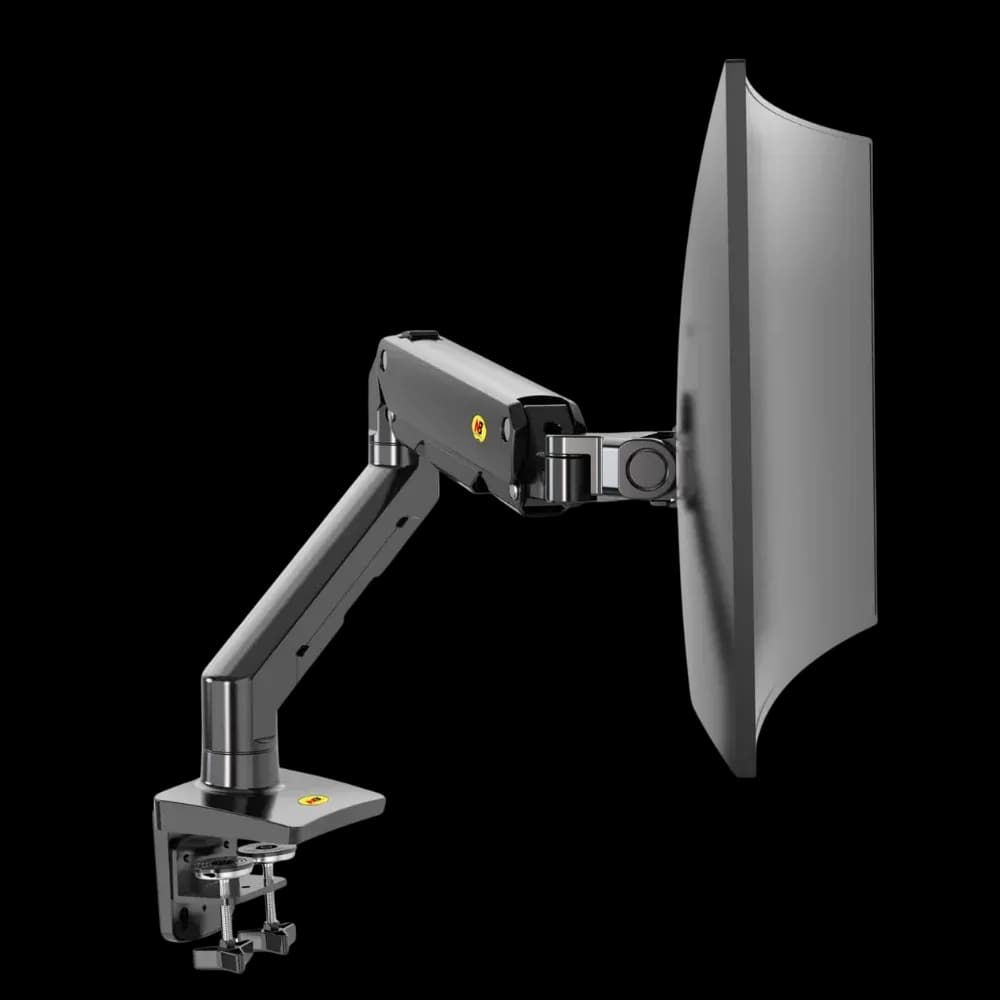
The G50 is a heavy-duty gas-spring monitor arm designed for displays weighing between 5kg and 16kg (11–35 lbs). It supports standard 75 × 75mm and 100 × 100mm VESA mounting patterns and gives you a wide range of movement for positioning the screen where you need it.
Built for Larger Monitors
The G50 is intended for monitors that are too large or heavy for many standard monitor arms. Its 5–16kg weight capacity makes it suitable for many 34-inch to 45-inch ultrawide monitors, larger 4K displays and other compatible screens within the weight limit.
Before installing it, check both the weight of your monitor and its VESA mounting pattern. The G50 supports 75 × 75mm and 100 × 100mm VESA configurations.
The weight limit is important because the gas spring needs to be correctly adjusted for the monitor you're mounting. A properly balanced arm should allow the screen to move without the monitor dropping or becoming difficult to position.
Gas-Spring Adjustment
The G50 uses a gas-spring system to counterbalance the weight of the monitor. After attaching the screen, the tension needs to be adjusted using the included hex key. Turn the adjustment bolt until the monitor moves smoothly and stays in position when you let go.
This initial adjustment matters because different monitors have different weights. Taking a few minutes to set the tension correctly will make the arm easier to use.
Plenty of Adjustment
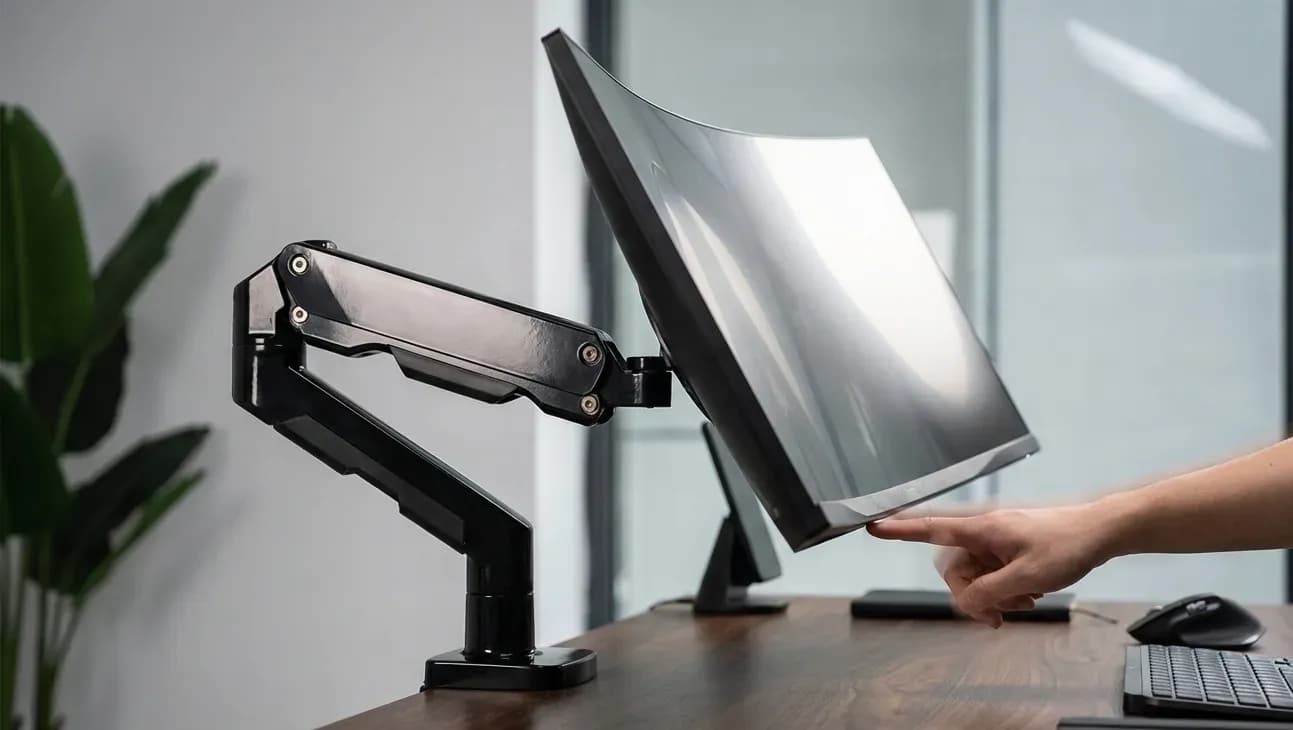
One of the main reasons to use a monitor arm is being able to change the screen position without moving the entire stand.
The G50 offers:
- 360° screen rotation
- +15° to -60° tilt
- 90° swivel
- Adjustable height and reach
- Landscape and portrait positioning
The 360° rotation is particularly useful if you sometimes work with documents, coding windows or other content that is easier to view in portrait orientation.
The swivel and tilt adjustments also make it easier to move the screen closer when you're working at the desk or angle it when sharing something with someone sitting nearby.
More Space on the Desk
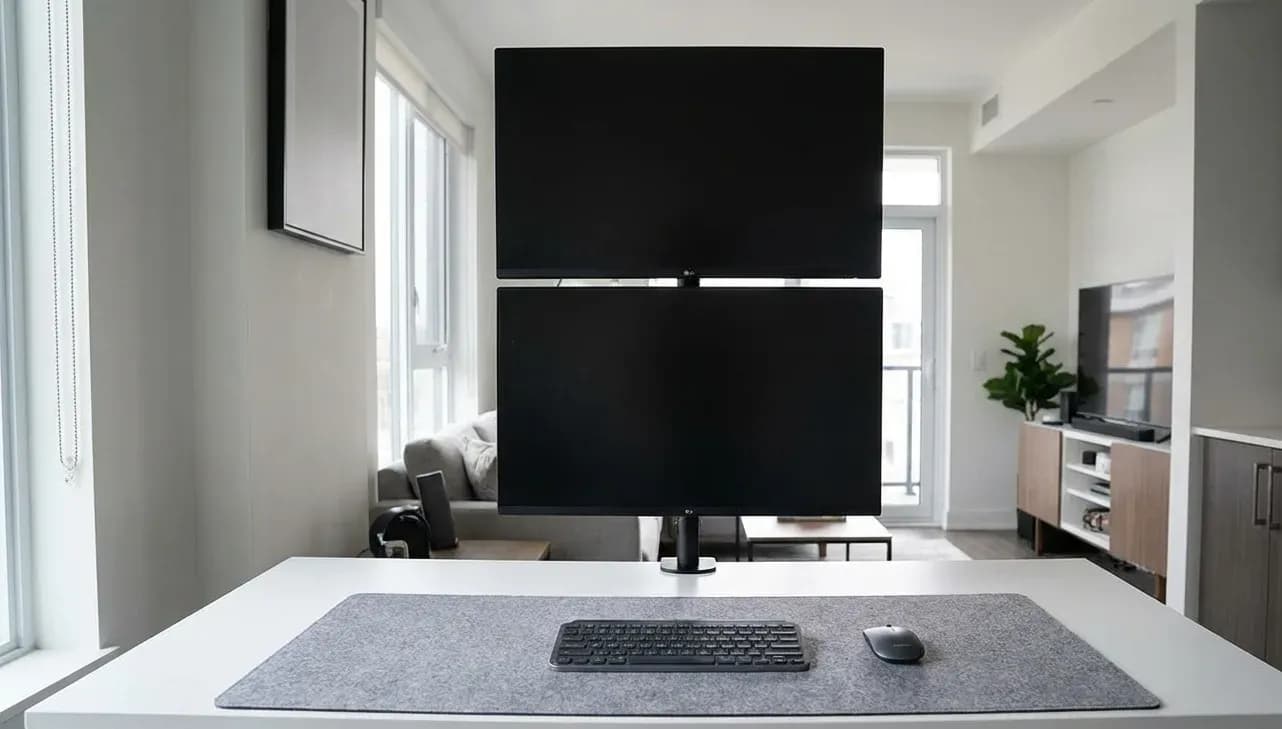
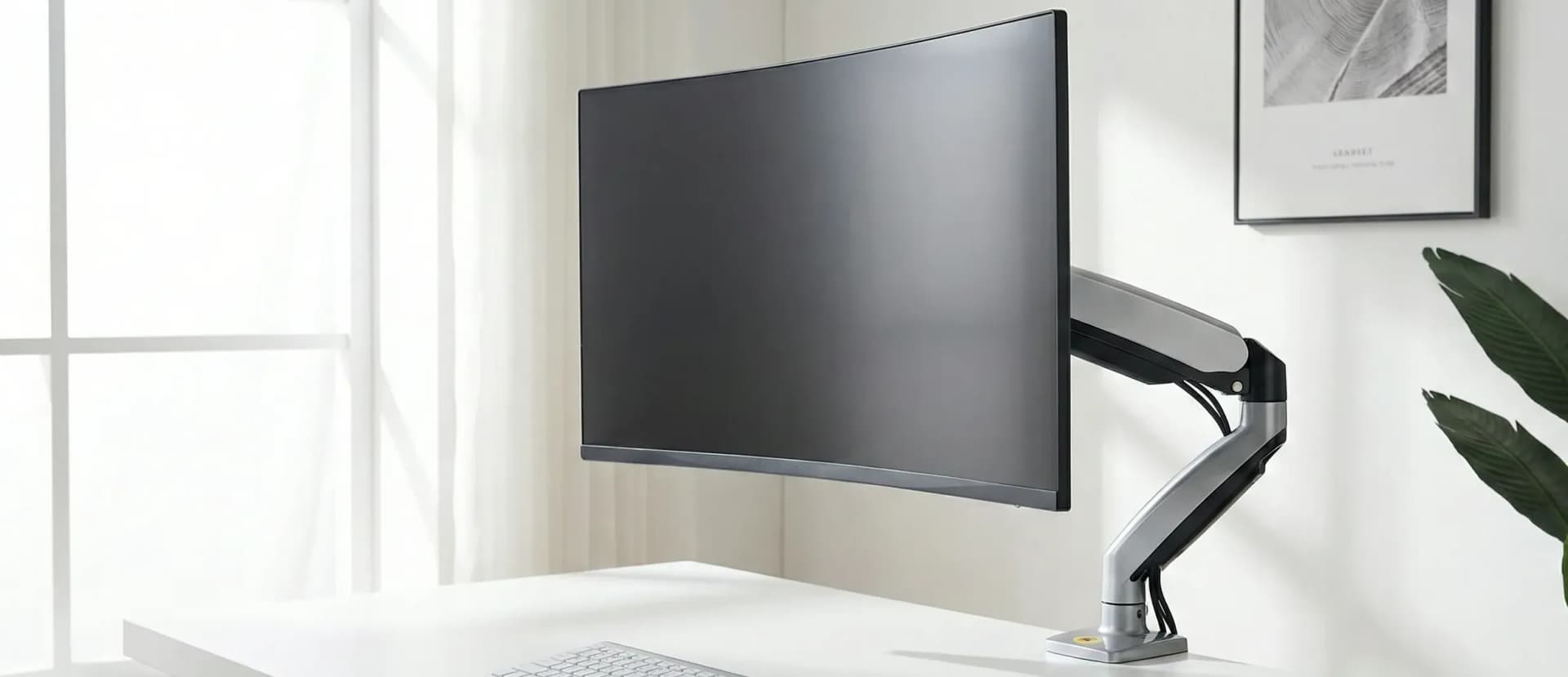
A monitor's original stand can occupy a significant section of the desk, especially with larger displays. Mounting the screen on the G50 removes the monitor's stand from the desktop and leaves that area available for your keyboard, laptop, speakers, notebooks or other accessories.
This can be especially useful on smaller desks where every bit of surface area matters.
The result is also easier to rearrange. Instead of lifting the monitor and its stand whenever you want to change its position, you can move the screen using the arm.
Built-In Cable Routing
The G50 includes cable channels along the arm for routing your monitor's power and display cables. Running the cables along the arm keeps them from hanging loosely behind the monitor and helps keep the area around the desk more organised.
When installing the arm, leave enough cable slack at the joints so the screen can move freely without pulling on the connections.
C-Clamp or Grommet Installation
The G50 supports two common desk mounting methods. The C-clamp attaches directly to the edge of a suitable desk, while the grommet mount can be installed through a compatible hole in the desk.
Choose the mounting method that works best for your desk and make sure the mounting area is strong enough to support the monitor and arm.
Check Your VESA Mounting Area
Most compatible monitors will use the standard 75 × 75mm or 100 × 100mm VESA patterns, but the shape and depth of the mounting area can vary between monitors. The G50's mounting plate is approximately 115mm square. If your monitor has deeply recessed VESA holes, you may need slightly longer M4 screws to attach the plate securely.
It's worth checking this before installation, particularly with curved monitors.
Who Should Consider the G50?
The G50 is a good option if you have a larger monitor and want more adjustment than the original stand provides.
It can be particularly useful for:
- 34-inch and larger ultrawide monitors
- Large 4K displays within the 16kg weight limit
- Workstations where desk space is limited
- Gaming setups where monitor positioning needs to change
- Users who want landscape and portrait positioning
- Setups where cable management is important
If your monitor is relatively small and lightweight, a lighter monitor arm may be enough. The G50 makes more sense when you need the additional weight capacity and range of adjustment.
Is the North Bayou G50 Worth It?
If you're using a large or heavy monitor, the G50 offers something a standard monitor stand can't: more freedom to position the screen while keeping the desk surface clear.
Its 5–16kg capacity, gas-spring adjustment, 360° rotation, tilt and swivel movement, VESA compatibility and cable routing make it suited to larger gaming and productivity displays.
For a smaller monitor, you may not need an arm with this much capacity. But if you're mounting a large ultrawide or another heavy display and want to get the stand off your desk, the North Bayou G50 is a practical option.