A good home office doesn't need to be complicated. You need a desk with enough room, a chair you can sit in comfortably, a monitor that suits the work you do, and a way to keep everything organised.
The difference comes from how those pieces are put together.
At Frame Frontiers, we look at a workspace as a complete setup rather than a collection of separate products. The desk affects where the monitor goes. The chair affects your working position. Cable management affects how easy the desk is to use every day.
Here are the main things to consider when putting a home office together.
1. Start With the Desk
The desk is the starting point because it determines how much space you have for everything else.
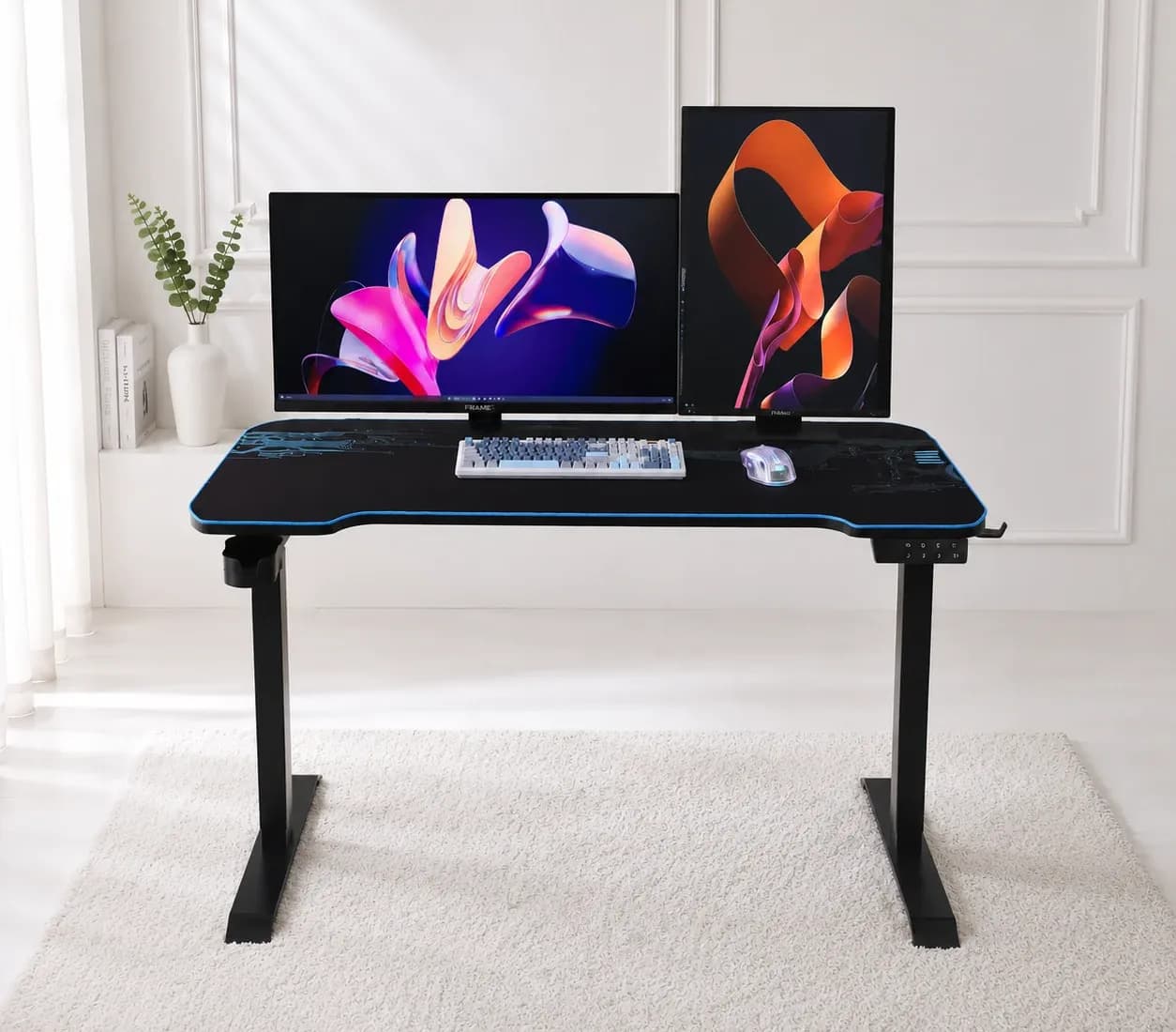
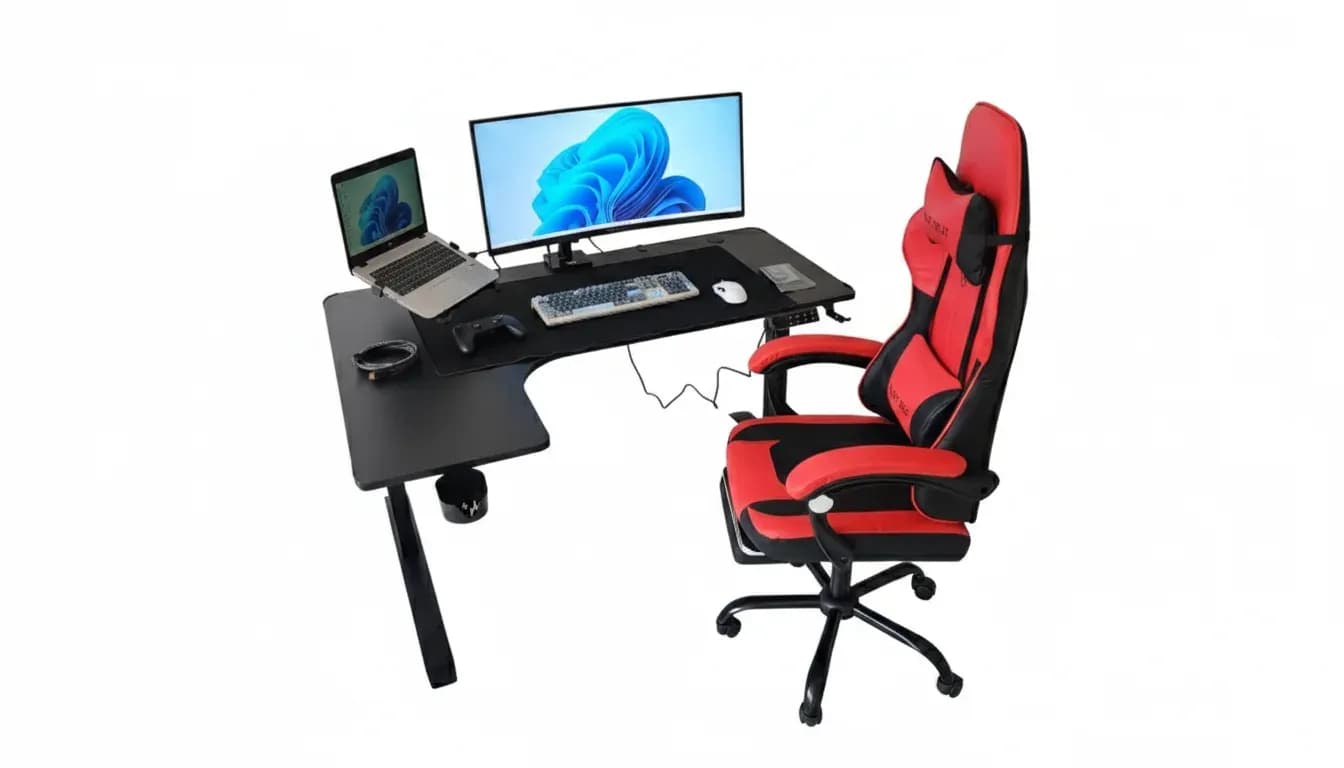
An L-shaped, height-adjustable desk is useful when you need separate areas for different tasks. One side can hold your main monitor and keyboard, while the other can be used for a laptop, documents, accessories or other equipment.
The height adjustment also gives you the option of working while sitting or standing. The desk featured in this setup has an electric adjustment system and can support up to 60kg, giving you enough capacity for multiple monitors, a laptop and other desk equipment.
Before setting the height, sit normally and place your hands on the keyboard. Your elbows should be roughly level with the desk, rather than having to reach up or down to type.
When standing, make the same adjustment so that you aren't bending over the desk.
2. Choose a Chair You Can Adjust
A chair becomes more important when you're spending several hours at the desk.
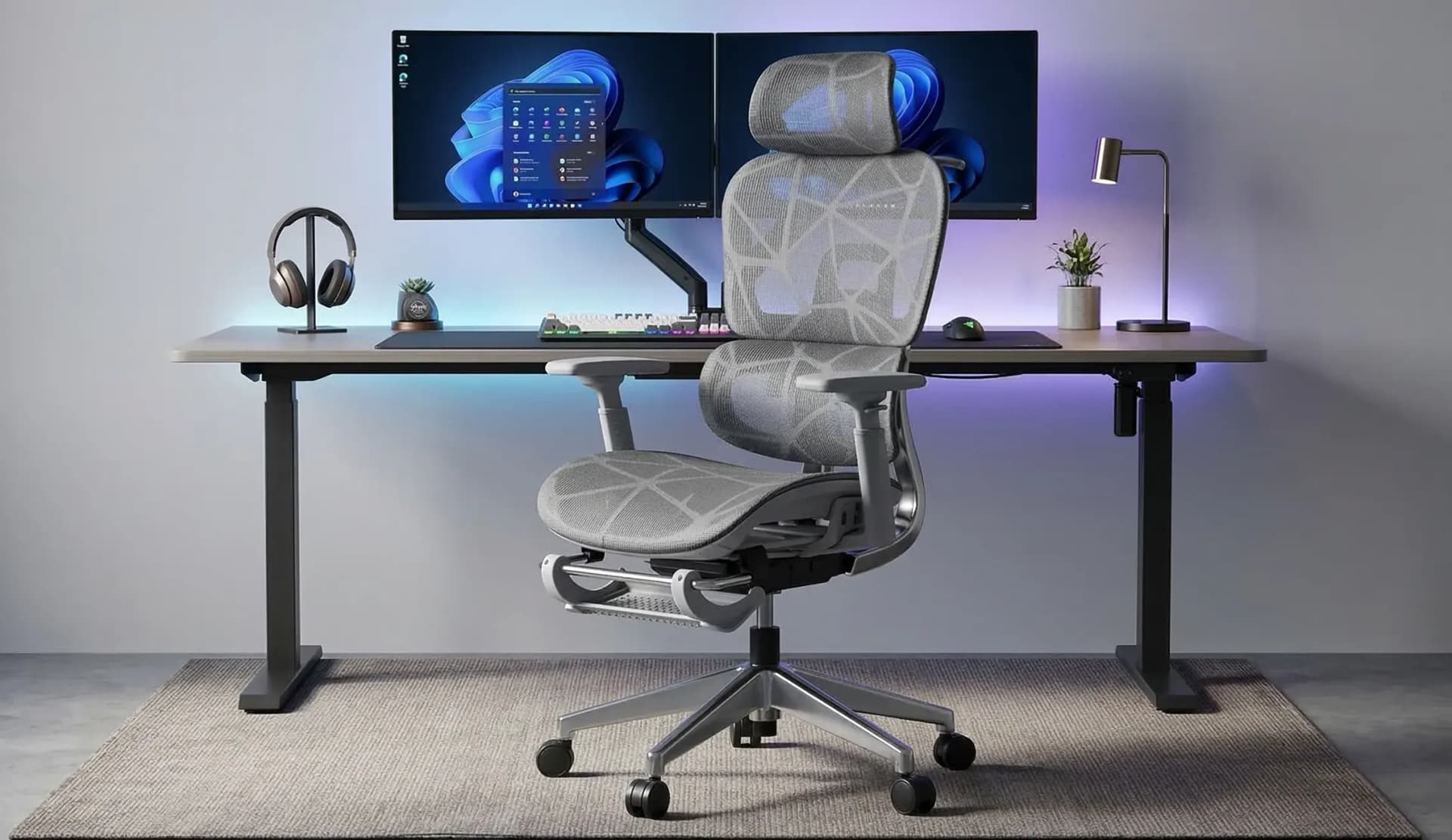
The gaming chair used in this setup has adjustable height, reclining, back support, a headrest and a retractable footrest. These adjustments give you more control over your sitting position throughout the day.
Set the chair so that your feet can rest comfortably on the floor and your knees aren't forced into an awkward position. The lower back should also have adequate support.
The reclining function and footrest can be useful when you're taking a break from the desk rather than staying in the same position for hours.
You don't have to sit completely still all day. Being able to change your position is one of the useful reasons to have an adjustable chair.
3. Give Yourself Enough Screen Space
Your monitor is where most of the work happens, so screen size and positioning matter.
A 34-inch curved monitor gives you plenty of room for working with several windows at once. You can keep your main application open while having a browser, communication app or reference material visible beside it.
A laptop can also sit alongside the main monitor when you need a second screen for messages, documents or other tasks.
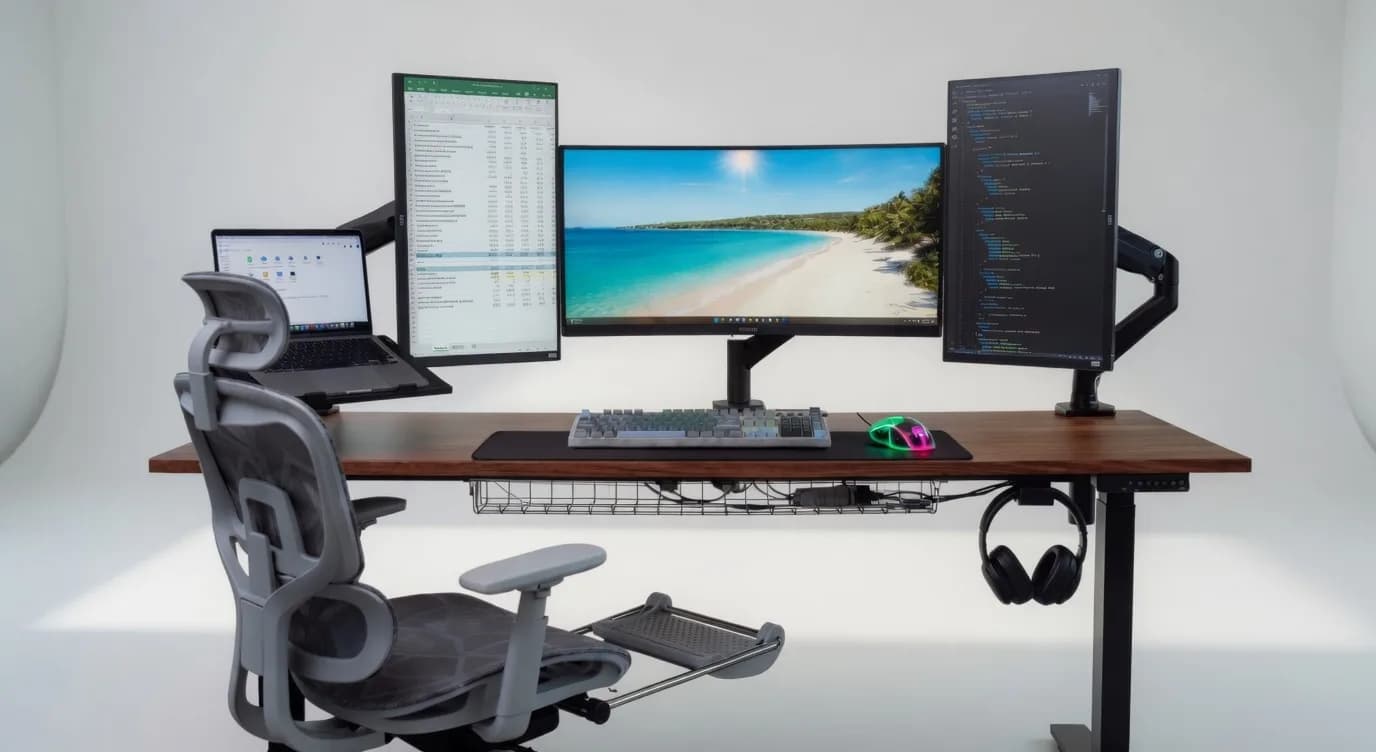
If you use a monitor arm, you can move the screen closer or further away and adjust its height without using up much of the desk surface. It also makes it easier to position the display at a comfortable viewing height.
For a multi-screen setup, take a little time to position the displays properly. You shouldn't have to keep turning your neck or looking significantly up or down to see them.
4. Keep the Cables Under Control
A workspace can have good products and still feel messy if the cables are everywhere. A cable management tray underneath the desk gives you somewhere to keep power strips, chargers and other connections instead of leaving them across the floor or hanging from the back of the desk.
It also makes it easier to identify and access cables when you need to change something. Try to separate cables according to what they are being used for and leave enough slack for equipment that needs to move. Don't pull cables tight simply to make the setup look neat.
Good cable management should make the desk easier to use, not just make it look better in a photo.
5. Don't Overlook the Keyboard and Mouse
The keyboard and mouse are the devices you interact with throughout the day, so they should be comfortable to use.
A full-size mechanical keyboard can be useful if you spend a lot of time typing, while a tri-mode mouse gives you more flexibility in how you connect it.
A large desk mat/mousepad also helps keep the keyboard and mouse in one area while giving the mouse a consistent surface to move across. It protects the desk surface at the same time.
When positioning your keyboard and mouse, keep them close enough that you aren't constantly reaching forward. Your wrists should remain in a comfortable, neutral position while typing and using the mouse.
6. Put the Setup Together Around How You Work
There's no single layout that works for everyone.
If most of your day is spent working on documents, you may want more room for your keyboard, monitor and paperwork. If you edit photos or videos, screen space and monitor positioning may matter more. If you switch between work and gaming, you'll want enough room for both setups without having to rearrange the desk every time. That's why it's worth planning the layout before buying individual accessories.
Think about:
- Where the main monitor will sit
- Where the keyboard and mouse will go
- Whether you need a second screen
- Where the laptop will sit
- Where the power strip and chargers will be kept
- How cables will reach each device
- How much free desk space you want
Small decisions like these make a noticeable difference once you start using the desk every day.
Build the Setup Around You
A home office works best when the individual pieces complement each other.
The desk needs enough space for your equipment. The chair needs to work with the desk height. The monitor needs to be positioned comfortably. Cables need to stay organized without making the equipment difficult to move.
You don't need to buy everything at once, either. Start with the desk and chair, then add the monitor, peripherals and accessories according to what your work actually requires.
At Frame Frontiers, we offer monitors, desks, chairs and accessories that can be combined into complete work and gaming setups. The goal isn't to fill your desk with equipment. It's to create a workspace that is comfortable, organized and practical enough to use every day.