A mouse pad is easy to overlook when putting together a gaming or work setup. Most of the attention usually goes to the monitor, keyboard, mouse and chair. But the surface underneath your mouse also affects how comfortably and consistently you can move it.
The right mouse pad comes down to a few simple things: size, surface, grip and durability. Your choice will depend on how much space you have and how you use your mouse.
Why Mouse Pad Size Matters
The size of your mouse pad should match the way you use your mouse and the amount of desk space available. A larger pad gives you more room for broad mouse movements and can also accommodate your keyboard. This is particularly useful for gamers who use lower DPI settings and make larger arm movements.
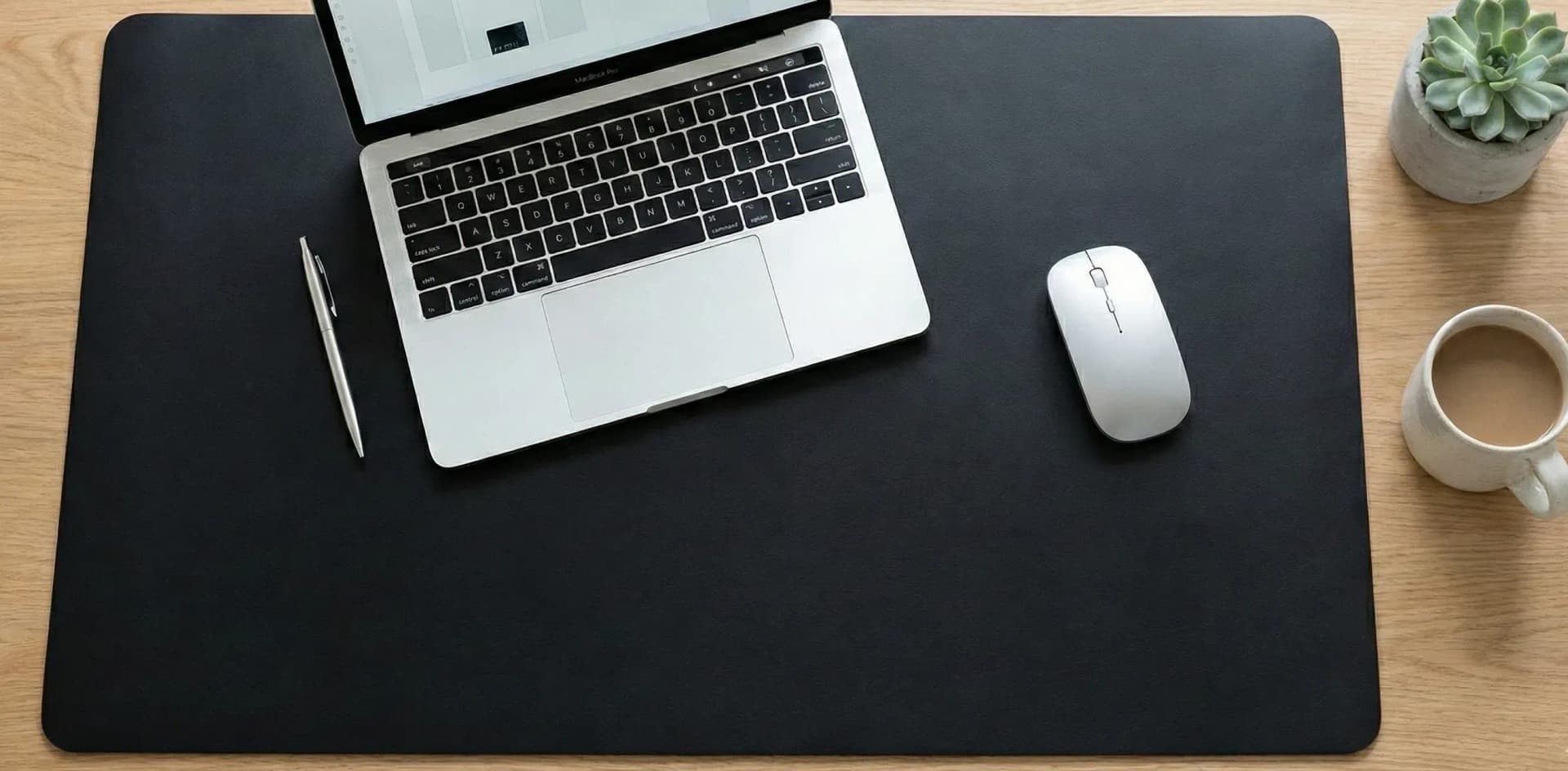
For a work setup, a large pad can keep both the keyboard and mouse on the same surface while also protecting part of the desk.
Smaller pads make more sense when desk space is limited or when you regularly move between different workstations with a laptop.
Choosing the Right Surface
Different mouse-pad surfaces provide different levels of speed and control. Cloth pads are a common choice because they offer controlled movement and work well for both gaming and everyday computer use. They're also easy to find in different sizes.
Hard surfaces generally provide a faster glide and are popular with users who prefer quick mouse movements.
There are also hybrid surfaces that try to balance speed and control.
There isn't one surface that is best for everyone. Your mouse sensitivity, the games you play and your personal preference all make a difference.
A Large Mouse Pad for Gaming and Work
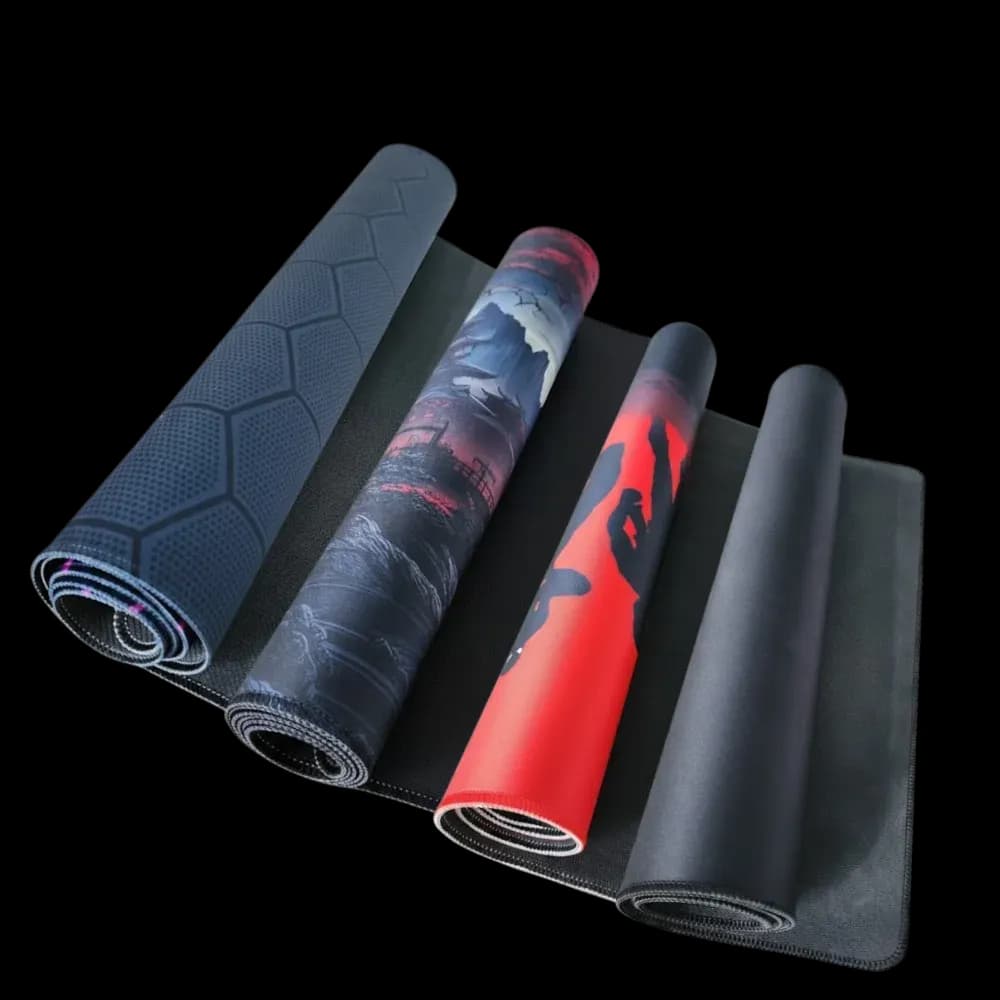
For people who want one surface for both their keyboard and mouse, an extended or XL mouse pad is a practical option. The Frame XL Mouse Pad is available in large sizes, including 1m and 0.9m options. Its smooth polyester/micro-woven cloth surface is designed for optical and laser mouse sensors, giving you a consistent surface for everyday movement and gaming.
The larger surface also gives your keyboard and mouse a shared area instead of having them sit directly on the desk.
Look for a Non-Slip Base
A mouse pad that moves around while you're using it can become annoying quickly. The Frame XL Mouse Pad uses a heavy-grip natural rubber backing to help keep it in place on different desk surfaces, including glass.
This is particularly useful during gaming, where quick mouse movements can cause a lightweight pad to shift.
Stitched Edges for Longer Use
Cloth mouse pads can eventually start fraying around the edges, especially with frequent use. The XL model has 360° reinforced stitching around the edges to help prevent the surface from peeling and improve durability.
It's a small feature, but one worth checking when comparing mouse pads because the edges receive plenty of contact with your hand and arm.
Thickness and Comfort
The Frame XL Mouse Pad is around 4mm thick on most models, while some of the larger versions use a thinner 3.175mm (1/8-inch) profile. A slightly thicker pad can provide a softer surface under your wrist and forearm, while a thinner option may suit users who prefer a flatter feel.
A Simple Upgrade for Your Desk
You don't need to completely change your setup to make your desk more comfortable or practical. Sometimes a better mouse pad is enough to improve the way your keyboard and mouse sit and give you a more consistent surface to work or play on.
The Frame XL Mouse Pad combines a large working area with a smooth micro-woven surface, non-slip rubber backing and reinforced edges.