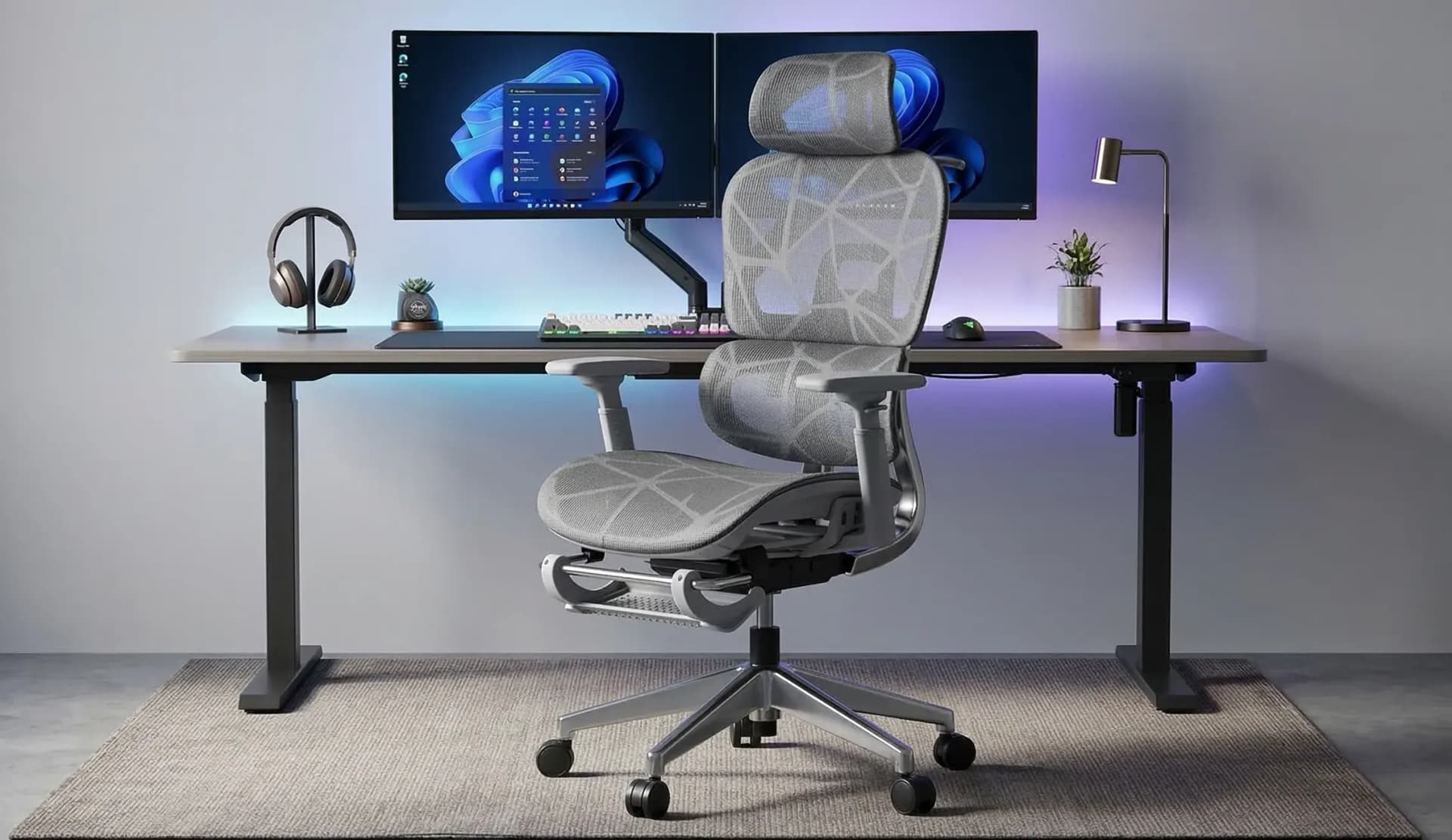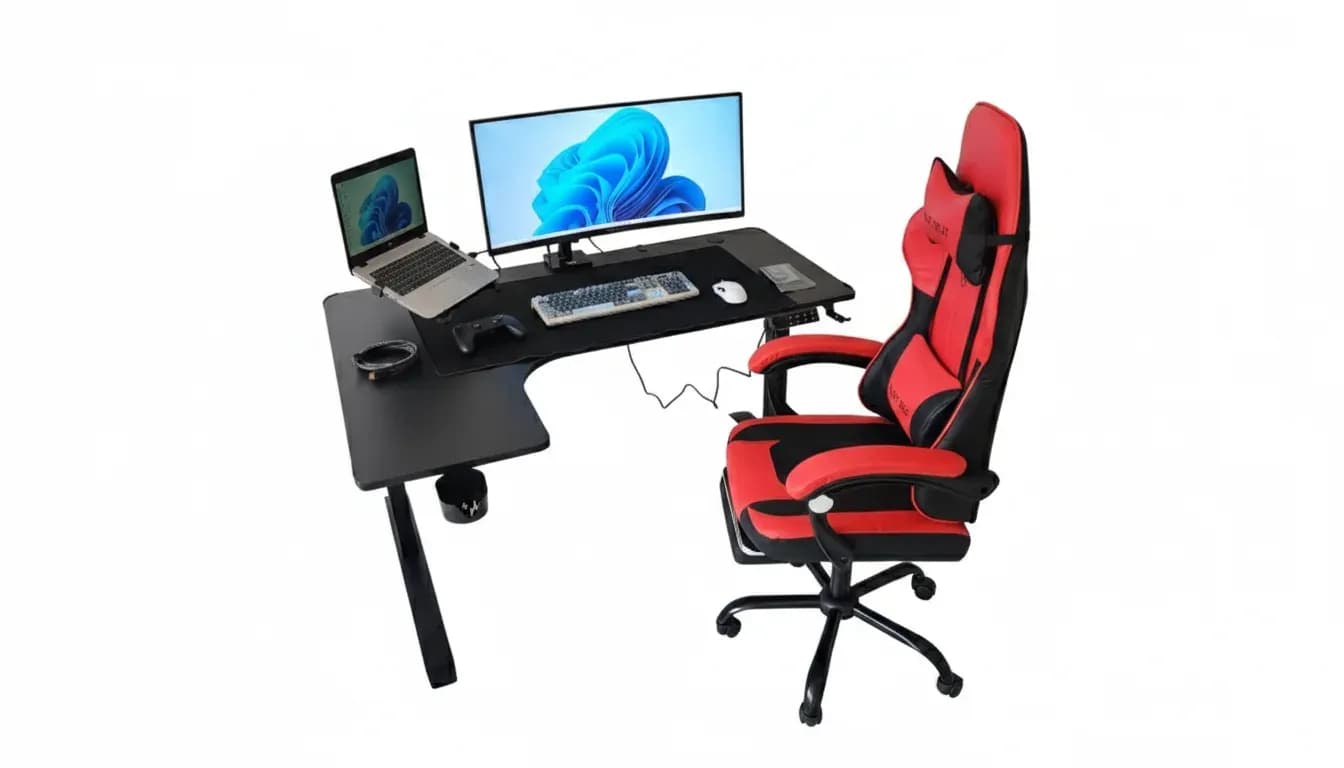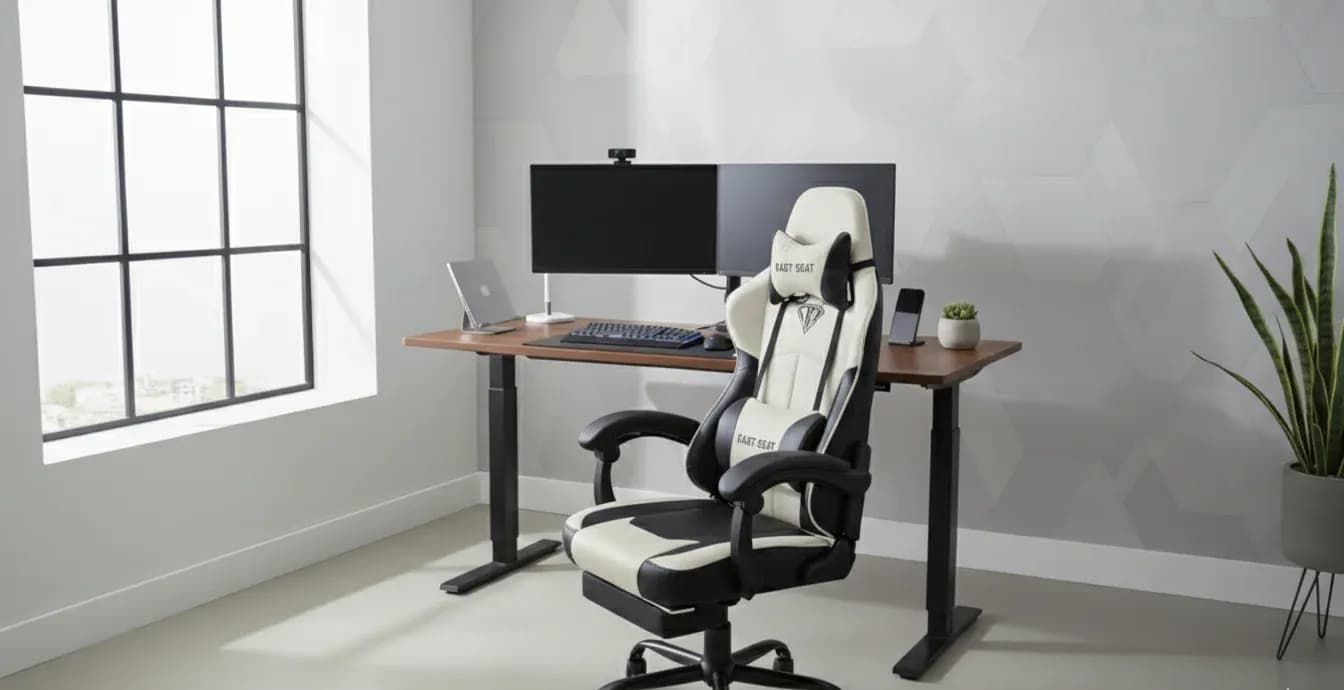
A comfortable chair makes a difference when you spend hours gaming, working or studying at a desk. A gaming chair offers features such as adjustable armrests, a reclining backrest and lumbar support, depending on the model. These allow you to adjust your seating position to suit your desk, body size and daily routine.
At Frame Frontiers, we offer gaming and workspace furniture for different setups. When choosing a gaming chair, it's worth looking beyond its appearance and considering how well it fits your needs.
Features to Look for in a Gaming Chair
Lumbar Support and Headrest
Lumbar support helps support the lower back while seated, while a headrest can provide additional support when leaning back. Some chairs have adjustable components, allowing you to position them according to your preferences.
The fit matters more than the number of cushions. Support that sits in the wrong position may feel uncomfortable, so consider whether the chair's design suits your height and sitting posture.
Adjustable Backrest and Armrests
A reclining backrest lets you change your seating angle when moving between focused work and relaxed gaming. Adjustable armrests can also help you find a comfortable position for your arms while using a keyboard and mouse.
These features are particularly useful if you share your desk between gaming, studying and office tasks. Being able to adjust the chair makes it easier to accommodate different activities.
Seat Comfort and Footrest
Seat padding, width and depth affect how a chair feels over time. Look for a seat that gives you enough room without putting pressure behind your knees.
Some gaming chairs also include a retractable footrest. This gives you somewhere to rest your feet when reclining, although it is an optional feature rather than a requirement for a good chair.
Choosing a Chair for Long Gaming Sessions
If you regularly spend several hours at your desk, pay attention to how the chair fits your body and workspace. Your feet should rest comfortably, and the seat height should allow you to position your arms naturally in relation to your desk.
Adjustable features can help you find a suitable position, but taking regular breaks and changing your posture throughout the day are also important.
Consider the chair's upholstery, frame construction and stated weight capacity before purchasing. These details help you assess whether the chair suits your intended use. If you prefer a cooler seating surface, compare the available materials and ventilation features rather than relying on appearance alone.
Finding the Right Gaming Chair for Your Setup
The best choice depends on how you use your desk, how much room you have and which adjustments you need. A chair with lumbar support and adjustable armrests may suit someone who alternates between gaming and working, while a reclining backrest and footrest may appeal to someone who also wants to relax at their desk.
Size is another consideration. Check the chair's dimensions against your available space and make sure it fits comfortably beneath or around your desk.
At Frame Frontiers, we help customers find furniture suited to their gaming and workspace needs. Explore our gaming chairs and compare the available features to find an option that fits your setup.