Frame Frontiers

Monitors, desks, chairs, keyboards, monitor mounts and vehicle lighting.

Pay with

  • M-Pesa
  • Visa
  • Mastercard
  • Bank transfer
  • Cash

Shop

  • All products
  • Frame Monitors
  • Desks & Chairs
  • Keyboards & Mouse
  • Monitor Mounts
  • Computers & Accessories
  • NaoEvo LED Bulbs
  • Vehicle Lighting
  • Desk Setups

Company

  • About Us
  • The Blog
  • Careers
  • AtomicQ

Support

  • Contact Us
  • Shipping
  • FAQ
  • Support Centre
  • Shop address: Kamakis Corner, 3 Unit Complex, 1st Floor, Eastern Bypass, Ruiru
  • Opening hours: Mon-Fri 8am-6pm, Sat 9am-5pm
  • WhatsApp: +254 732 887 318
  • Email: [email protected]

  • Privacy Policy
  • Terms & Conditions
  • Accessibility
© 2026 Frame Frontiers. All rights reserved.
All articles

Workspace

Langtu G3 Gaming Mouse: Adjustable DPI, Programmable Buttons and Wireless Connectivity

5 January 2026
  • mouse

Article

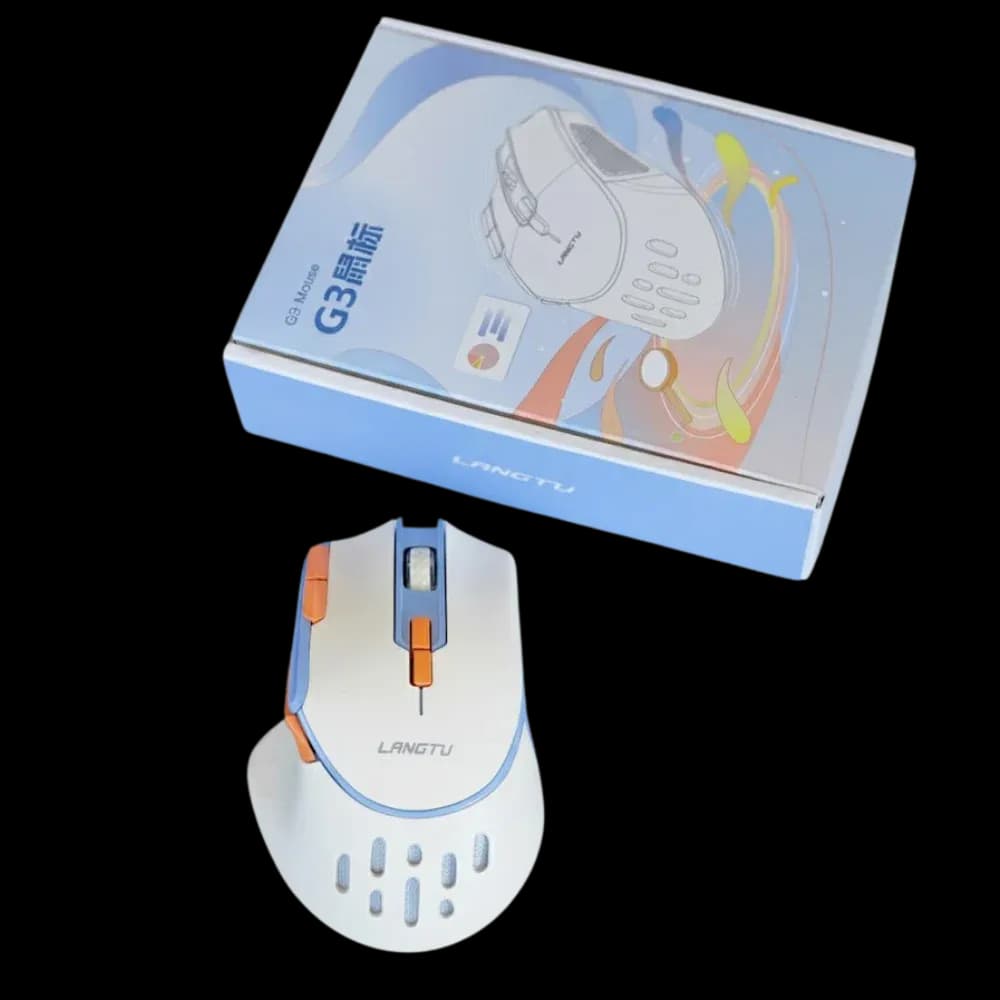
The Langtu G3 Gaming Mouse is built for gamers who want more control over sensitivity, button assignments and connectivity. It combines an ergonomic right-handed design with programmable buttons, adjustable DPI, RGB lighting and multiple connection options.

The G3 is available with wired, 2.4GHz wireless and Bluetooth connectivity, depending on the selected configuration, making it suitable for both gaming and everyday computer use.

Adjustable DPI for Different Games

The G3 allows you to adjust the mouse sensitivity to suit different games and tasks. A lower DPI setting can be useful when you want slower, more controlled cursor movement, while a higher setting can make it easier to move across the screen quickly.

The exact DPI range depends on the G3 version. Some listed versions support settings up to 12,800 DPI, while other G3 configurations are listed with lower maximum DPI settings. Check the specific model configuration before purchase.

This makes the mouse suitable for games where you may want to change sensitivity between different play styles.

Programmable Buttons

The G3 includes additional buttons that can be assigned to different functions. For gaming, these can be used for shortcuts, abilities, inventory commands or other frequently used actions. They can also be useful outside gaming for tasks such as browser navigation and software shortcuts.

The exact button configuration varies between G3 versions, so it is worth checking the supplied software and model configuration before setting up your profiles.
More to read

Related reading

  • standing desk

    1.4m Height Adjustable Desk with Dual Monitors

    29 Apr 2026
  • office chair

    Triple Monitor Workspace with a Height-Adjustable Desk

    15 Apr 2026
  • mouse

    Langtu G4 Tri-Mode Transparent RGB Gaming Mouse

    14 Mar 2026
PreviousTF100 Wireless Keyboard and Mouse Combo: A Simple Setup for Work and Everyday Use

Workspace

Monitors, desks, chairs and accessories for a cleaner, more productive setup.

Shop workspace

Newsletter

New arrivals and fitting guides.

One email when new stock arrives, and a guide when we publish one.

Wired and Wireless Connectivity

One of the useful features of the G3 is its flexible connectivity.

Depending on the version, you can use USB wired connection, 2.4GHz wireless or Bluetooth.

Wired mode is useful when you want a direct connection to your computer, while 2.4GHz wireless gives you a cleaner setup without the mouse cable running across your desk. Bluetooth provides another option for compatible devices.

The mouse can therefore work across different setups rather than being limited to a single connection method.

RGB Lighting

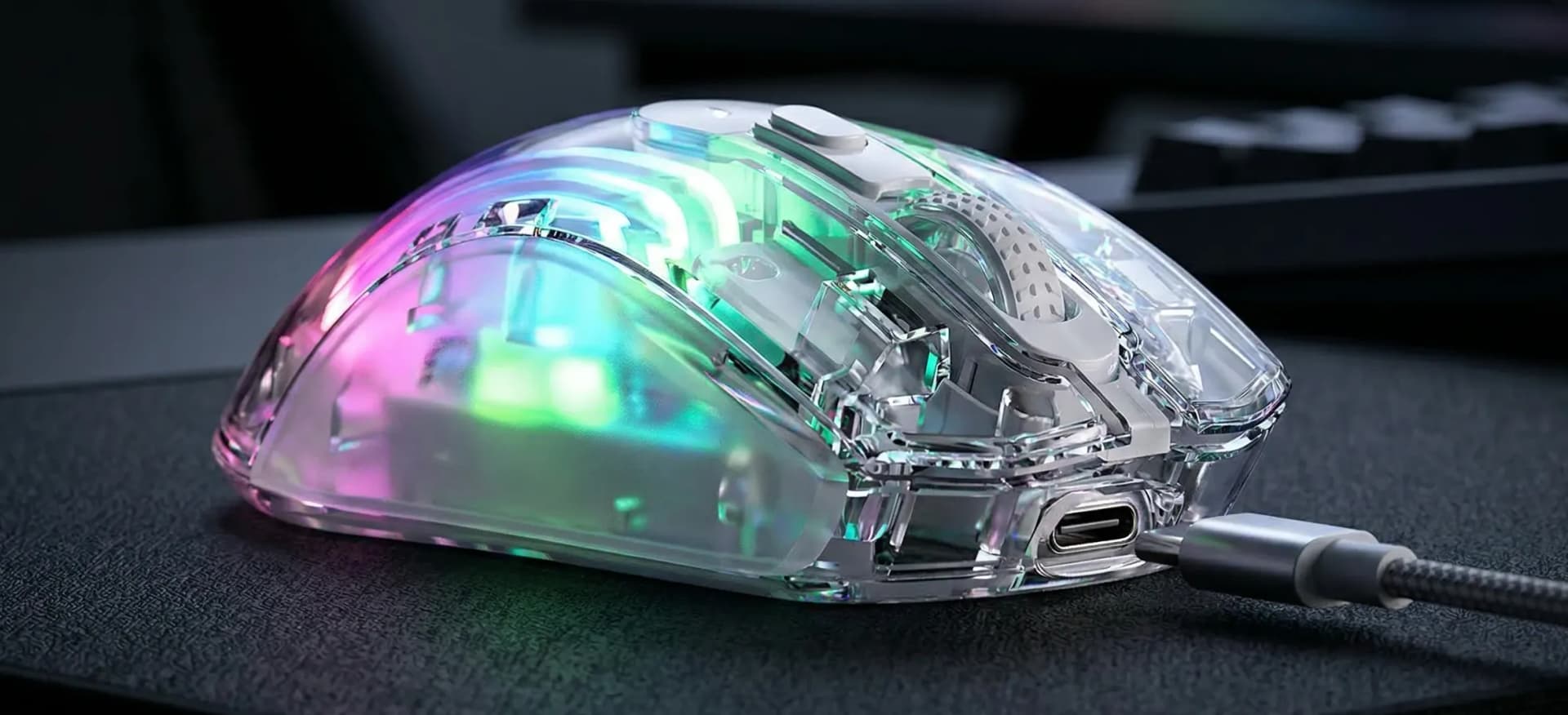
The Langtu G3 also features RGB lighting, giving it a gaming-focused appearance that can fit into an RGB desk setup.

The lighting is primarily a visual feature, so it does not affect the mouse's tracking or button performance. It can, however, match other RGB peripherals such as keyboards, headsets and desk lighting.

Ergonomic Right-Handed Design

The G3 uses a right-handed ergonomic shape designed to provide a more natural grip. Its size is approximately 127 × 83 × 44mm on the listed wired configuration, with a weight of around 126g.

The shape makes it suitable for different grip preferences, although the best grip will depend on your hand size and how you normally hold a mouse.

Useful for Gaming and Everyday Work

The G3 can be used across several types of setups:

  • For FPS gaming, adjustable DPI gives you control over cursor sensitivity and aiming speed.
  • For MOBA and strategy games, programmable buttons can provide quick access to frequently used commands.
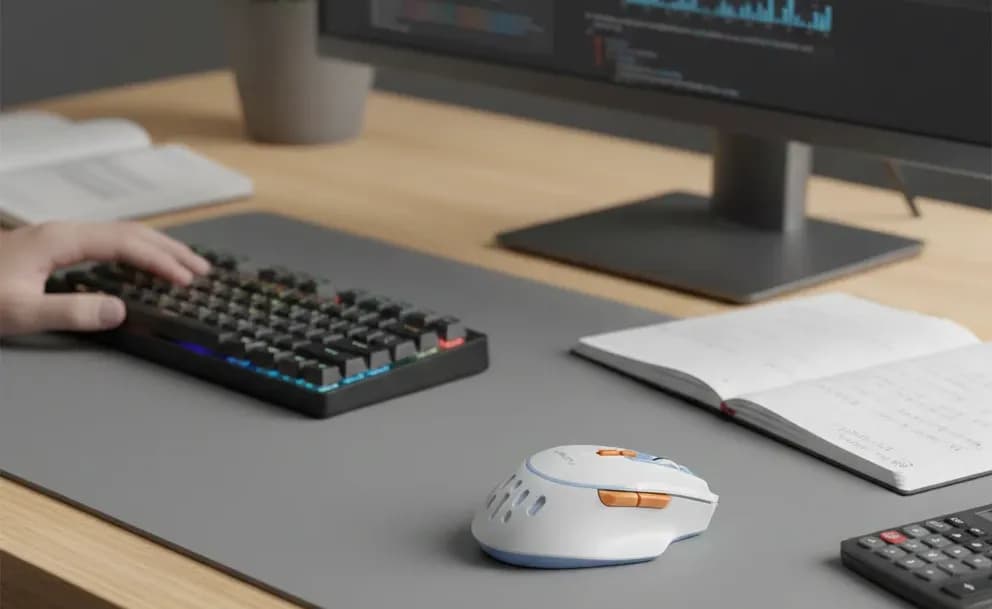
  • For general computer use, the additional buttons can be assigned to shortcuts, while wireless connectivity can help keep the desk less cluttered.

It can also be used for everyday tasks such as browsing, editing and working on a laptop or desktop computer.

A Flexible Gaming Mouse

The Langtu G3 Gaming Mouse brings together adjustable DPI, programmable controls, RGB lighting and multiple connectivity options in one mouse.

Langtu G3 Gaming Mouse

Langtu G3 Gaming Mouse

Dual Mode ConnectivityBluetooth & 2.4Ghz Wireless Mode
Programmable KeysProgrammable with software
RechargeableThrough a Type-C Interface
Long battery lifeEnjoy continuous usage for nearly two weeks

Total Price

KSH 8,000.00

NextONIKUMA GT-808 Wireless Gaming Headset: Tri-Mode Connectivity and RGB Gaming Audio
Frame Frontiers
Frame Monitors
Desks & Chairs
Computer & Accessories
Vehicle Lighting
Desk Setups
AtomicQNew